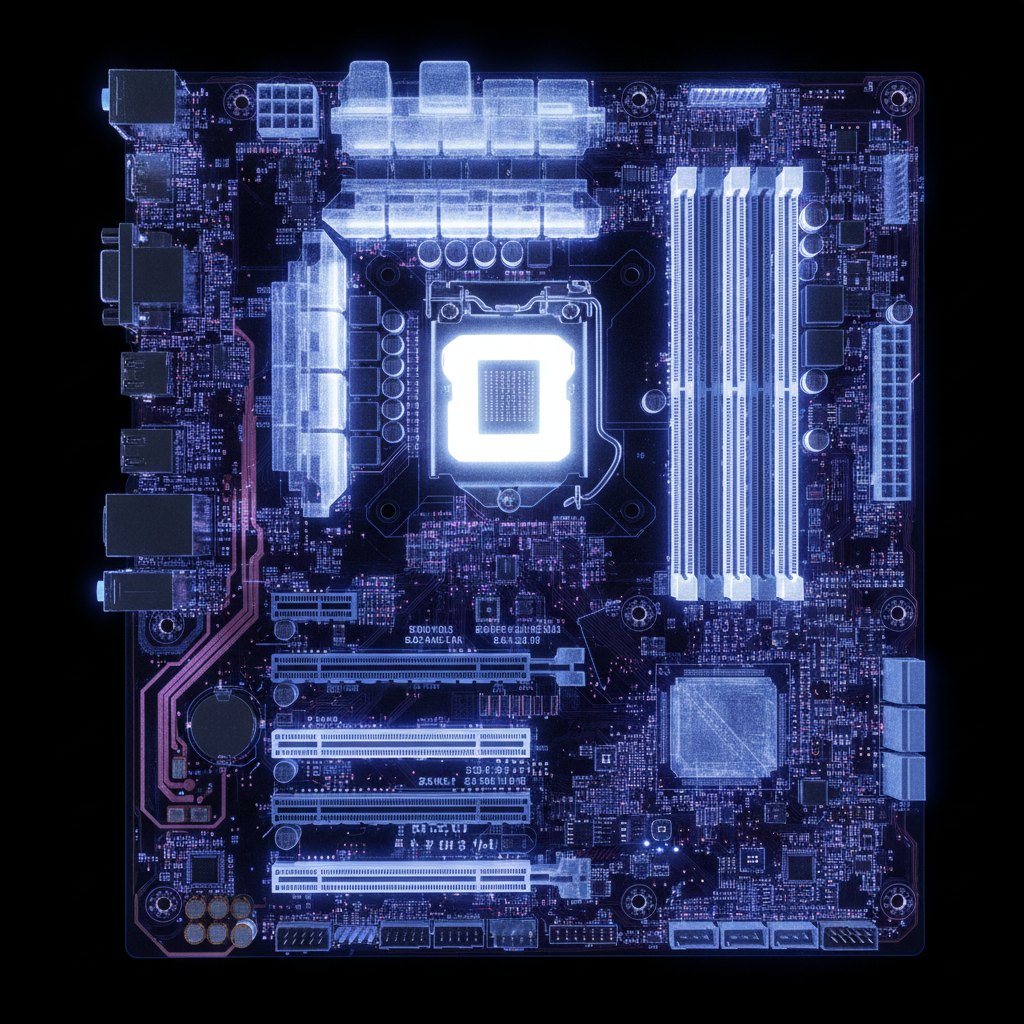
fatcat hardware diagnostics showing a motherboard layout, issue detection, and AI analysis
AI hardware diagnostics
fatcat

Find the hidden faults holding back every machine.

Install the Windows or Linux agent once and get an AI diagnosis of BIOS mistakes, thermal limits, crash history, and storage bottlenecks, plus the fixes that actually move performance forward.

How it works

1

Download

Install the lightweight fatcat agent on your Windows or Linux PC.

2

Scan

Run a 30-second hardware scan. CPU, RAM, GPU, storage, motherboard.

3

Optimize

Get AI-powered suggestions with step-by-step BIOS instructions.

What Fatcat Catches

The machine problems that stay invisible until they waste performance or break stability.

Running slower than it should?

XMP disabled, wrong PCIe slot, thermal throttling. Silent bottlenecks that cost you 20-40% performance.

Crashing or blue-screening?

BSOD codes, GPU Xid errors, OOM kills, kernel panics. fatcat reads the logs and tells you why.

Is your system actually secure?

Unmitigated CPU vulnerabilities, outdated microcode, missing kernel patches. Exposed and you don't know it.

The Knowledge Engine

An AI is only as smart as its data.

fatcat isn't a generic chatbot guessing. The Context Engine is powered by a living database of community-verified hardware configurations.

100,000+

Indexed configs

5

Forum sources

24/7

Continuous updates

Forum Intelligence

We continuously index solutions from Reddit, Tom’s Hardware, Overclock.net, LinusTechTips, and AnandTech, so you don’t spend hours searching them.

Benchmark Baselines

fatcat knows exactly how your specific CPU and GPU should perform based on aggregated real-world testing, not theoretical maximums.

Cross-Referenced Fixes

When the AI suggests a BIOS tweak, it’s because that specific tweak solved the exact same bottleneck for hundreds of other users with your exact motherboard.

Aggregated fromRedditTom’s HardwareOverclock.netLinusTechTipsAnandTechStack Exchange
Linux Server Agent

Tier S diagnostics for Linux

Reads your kernel ring buffer, parses NVIDIA Xid codes, checks CPU mitigations, detects OOM kills, and surfaces pressure stalls. Feeds it all to an AI that explains what's wrong and how to fix it. Zero-dependency standalone binary.

Kernel errors
dmesg ring buffer
OOM kills
process sacrifices
CPU vulns
mitigation status
NVIDIA Xid
GPU fault codes
PSI stalls
pressure stall info
Thermal throttle
cooling headroom
Failed services
systemd health
NTP drift
clock sync accuracy
fatcat@server: ~
# Install in 10 seconds
$ curl -fsSL fatcat.fit/install.sh \
| sudo bash -s -- --token <TOKEN>
# Then scan
$ fatcat scan --upload
✓ synced to fatcat.fit

What fatcat finds for you

Bottleneck Detection

Find hidden performance bottlenecks. Wrong PCIe slots, single-channel RAM, disabled XMP profiles.

AI Optimization

AI-powered analysis generates step-by-step BIOS instructions specific to your exact motherboard.

Health Monitoring

Track temperatures, detect thermal throttling, and monitor hardware health over time.

Motherboard X-Ray

Interactive diagram shows every component, slot, and connection. Click to see details and issues.

AI Debug Sessions

PC freezing? BSOD? Chat with AI that guides you through physical debugging steps.

Shareable Reports

Generate a professional report link to share with friends, forums, or clients.

Why fatcat?

fatcat vs doing it manually with CPU-Z, HWiNFO, and hours of Googling.

FeaturefatcatDoing it manually
Time to diagnose
30 seconds
Hours to days
Bottleneck detection
Automatic
Manual cross-referencing
Fix instructions
AI step-by-step for YOUR board
Scattered guides & forums
Motherboard visualization
Interactive diagram
None
Health monitoring
Continuous
Check each tool separately
Stability debugging
AI-guided troubleshooting
Hours of trial and error
Troubleshooting knowledge base
Proprietary index of forum-verified fixes
Searching 5-year-old threads, hoping OP replied
Report sharing
One-click link
Screenshots

Radical Transparency

What fatcat actually scans

We hate black-box telemetry as much as you do. The agent reads hardware sensors and nothing else.

What we collect

  • Motherboard model, BIOS version, chipset
  • RAM timings, channels, XMP profile state
  • CPU model, boost clocks, temperature history
  • GPU model, PCIe link state, VRAM
  • SMART attributes, NVMe PCIe generation
  • Windows Event codes (BSOD codes, WHEA, Xid)
  • Kernel ring buffer on Linux (dmesg errors, OOM, PSI)

What we do NOT collect

  • Your personal files or documents
  • Browsing history or cookies
  • Keystrokes, clipboard, or screenshots
  • Running process names beyond top-5 by memory (for OOM context)
  • IP addresses beyond what you send to reach fatcat.fit
  • Credentials, SSH keys, or saved passwords
  • Other hosts on your local network

Don't trust us? Verify it.

Fire up Wireshark or GlassWire. You'll see exactly one outbound JSON request leaving your machine when you click Scan. No background phoning home. No hidden services.

open sourceruns locallyauditable

Read the full privacy policy →

What builders are saying

Real feedback from PC enthusiasts and repair technicians.

fatcat found my RTX 4090 was running at PCIe x8. Six months of lost performance I didn't know about.

R

Ryan

@ryan_builds

First build ever. fatcat told me my RAM was in single-channel mode. Fixed it in 2 minutes, got 30% more FPS.

S

Sarah

@sarah_pc

I run a repair shop. fatcat saves me 45 minutes per diagnostic. The shareable reports pay for themselves.

D

Dave

@dave_repairs

Was thermal throttling without knowing it. fatcat caught it, showed me exactly which fan header to use.

A

Alex

@alex_cool

The motherboard diagram is incredible. It's like having X-ray vision for your PC.

M

Mike

@mike_tech

Switched from manually checking CPU-Z + HWiNFO + forums. fatcat does it all in one scan.

J

Jen

@jen_builds

Simple, honest pricing

Start free. See real issues on your machine. Upgrade when you want the AI-powered fix guides.

MonthlyYearlySave up to 44%

Free

1 machine
$0

See your top issues. Upgrade when you want the fix.

  • Unlimited scans
  • 3 suggestions visible
  • Health score + motherboard diagram
  • Sensor Interpretation Engine
  • Linux diagnostics (kernel, PSI, Xid)
  • BIOS fix guides (locked)
  • AI Context Engine (blurred)
  • Debug sessions
  • Scan history
  • Share links
Start Free
Most Popular

Enthusiast

3 machines
$29/yr

billed yearly ($2.42/mo)

Unlock every fix. AI-powered guides for your exact board.

  • All suggestions unlocked
  • AI-guided BIOS fix steps
  • Full AI Context Engine
  • Debug sessions (AI troubleshooting)
  • 90-day scan history
  • Share links
  • 30-day slot cooldown on deletion
Get Enthusiast

Builder

10 machines
$99/yr

billed yearly ($8.25/mo)

Save $81

For home labs, overclockers, and server admins.

  • Everything in Enthusiast
  • Standard PDF diagnostic reports
  • BSOD / Xid error deep-analysis
  • Unlimited scan history
  • Priority AI analysis
  • Fleet overview dashboard
  • 30-day slot cooldown on deletion
Go Builder
For Shops & MSPs

Pro

100 machines
$399/yr

billed yearly ($33.25/mo)

Save $189

Repair shops & MSPs. 100 machines, zero cooldowns.

  • Everything in Builder
  • Zero slot cooldowns, instant recycle
  • White-label PDF reports (your logo)
  • Client management
  • API access
  • Dedicated support
Go Pro

All plans include unlimited scans. No credit card for Free. Enthusiast is annual-only ($29/yr). Cancel anytime.

Frequently asked questions

fatcat is open-source and runs locally on your machine. The agent collects hardware specifications only. No personal files, passwords, or browsing data. All scans are encrypted in transit.

Never. Your hardware data is used only to generate optimization suggestions. We don't share, sell, or monetize your data in any way.

CPU model and configuration, RAM speed and timings, GPU specs, storage drives, motherboard model and BIOS version, and system temperatures. No personal data is ever collected.

The free tier gives you unlimited scans and your top critical issue. Enthusiast ($29/year) unlocks all suggestions and AI-guided fixes. Pro Tech ($149/year) adds up to 10 machines, PDF reports, and fleet management.